
A PC case with vertical GPU mount turns your graphics card into the centerpiece — fans, RGB, and shroud face the tempered glass side instead of lying flat under the motherboard. But vertical mounting is not just about looks: it needs a riser cable, extra case depth, and room for thick cards. Here is what to check before you buy.
Quick Answer: What Do You Need for Vertical GPU Mount?
| Item | Why It Matters | Typical Spec |
|---|---|---|
| Vertical GPU bracket | Case must include a built-in or optional vertical mount kit | Marked "vertical GPU" or "GPU holder" |
| PCIe riser cable | Connects GPU to motherboard slot at 90 degrees | PCIe 4.0 x16, 200-300mm length |
| GPU thickness clearance | Modern cards are 2.5 to 3.5 slots thick | Case must clear 40-60mm from glass |
| Case depth | Vertical GPU sits near the side panel | ~420mm internal depth recommended |
If the case spec sheet says supports vertical GPU and you have a riser cable, you are ready. If not, the card will physically not fit near the glass.
Vertical GPU vs Horizontal GPU: What Changes?
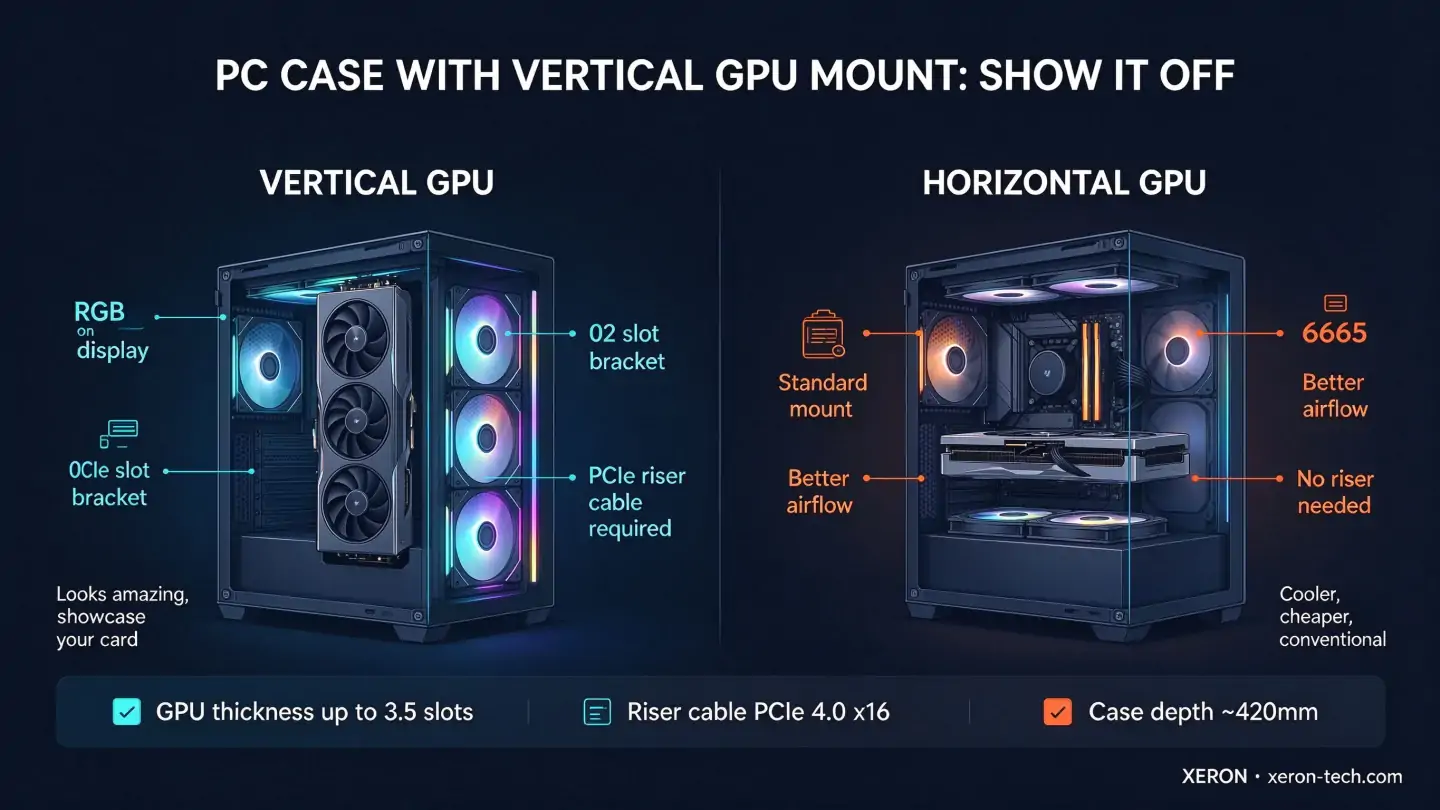
| Vertical Mount | Horizontal Mount | |
|---|---|---|
| Looks | Fans and RGB face the glass, hero shot | Card lies flat, mostly hidden from side view |
| Airflow | GPU pulls air from side, can run 2-5 C warmer if glass blocks intake | GPU pulls air from bottom/front, conventional path |
| Cost | Case + riser cable required | Standard bracket, no extra parts |
| Weight sag | Card supported vertically, no sag over time | Heavy cards can sag the PCIe slot over years |
| Build difficulty | Route riser cable carefully, clear cable length | Drop in and screw |
Vertical mounting is the choice if you bought a flagship card with RGB, a big shroud, or a liquid cooler loop. It is not the choice if you want the lowest possible thermals on a budget.
3 Compatibility Checks Before You Buy
| Check | What to Measure | Why |
|---|---|---|
| GPU thickness | Number of slots your card takes (2.5, 3, 3.5) | Vertical mount needs 10-20mm extra clearance from glass |
| Riser cable length | Distance from PCIe slot to vertical bracket | Too short and it will not reach; too long and signal degrades |
| Case depth | Internal width from motherboard tray to glass | Vertical GPU plus riser plus cables needs ~420mm |
Modern flagship cards like RTX 4090 or RX 7900 XTX are 3.5 slots thick. A case that only clears 2.5 slots will force the card against the glass.
Does Vertical Mounting Hurt GPU Thermals?
Sometimes. When the GPU is vertical, its fans pull air through the side glass. If the glass is solid or close to the card, intake is restricted and temps climb 2-5 C. Cases with mesh side panels or enough gap between card and glass avoid this. XERON cases are designed with a 40-60mm gap behind the vertical mount so the card gets fresh air.
XERON Cases That Support Vertical GPU Mount
| Model | Vertical GPU Support | Best For |
|---|---|---|
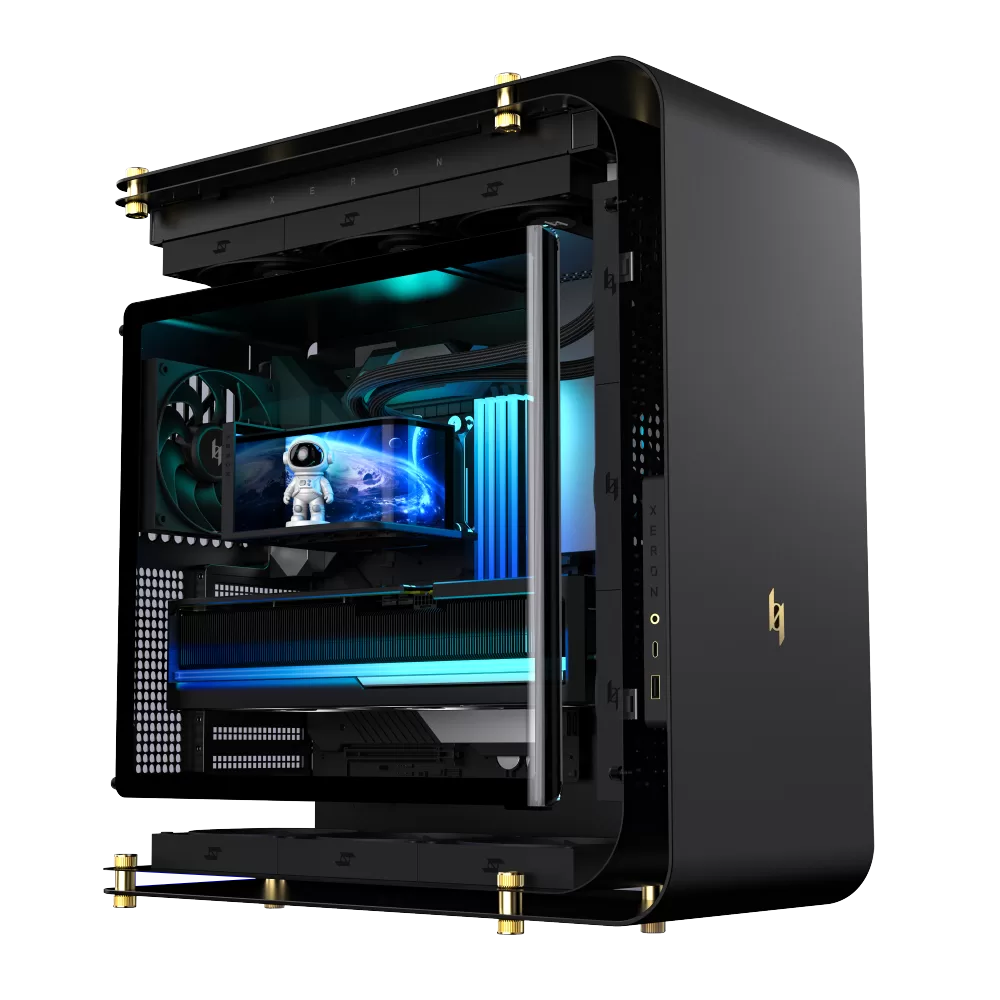 NEX C Lab | Vertical GPU bracket, independent channel for card airflow | Flagship builds, liquid cooled cards, RGB showcase |
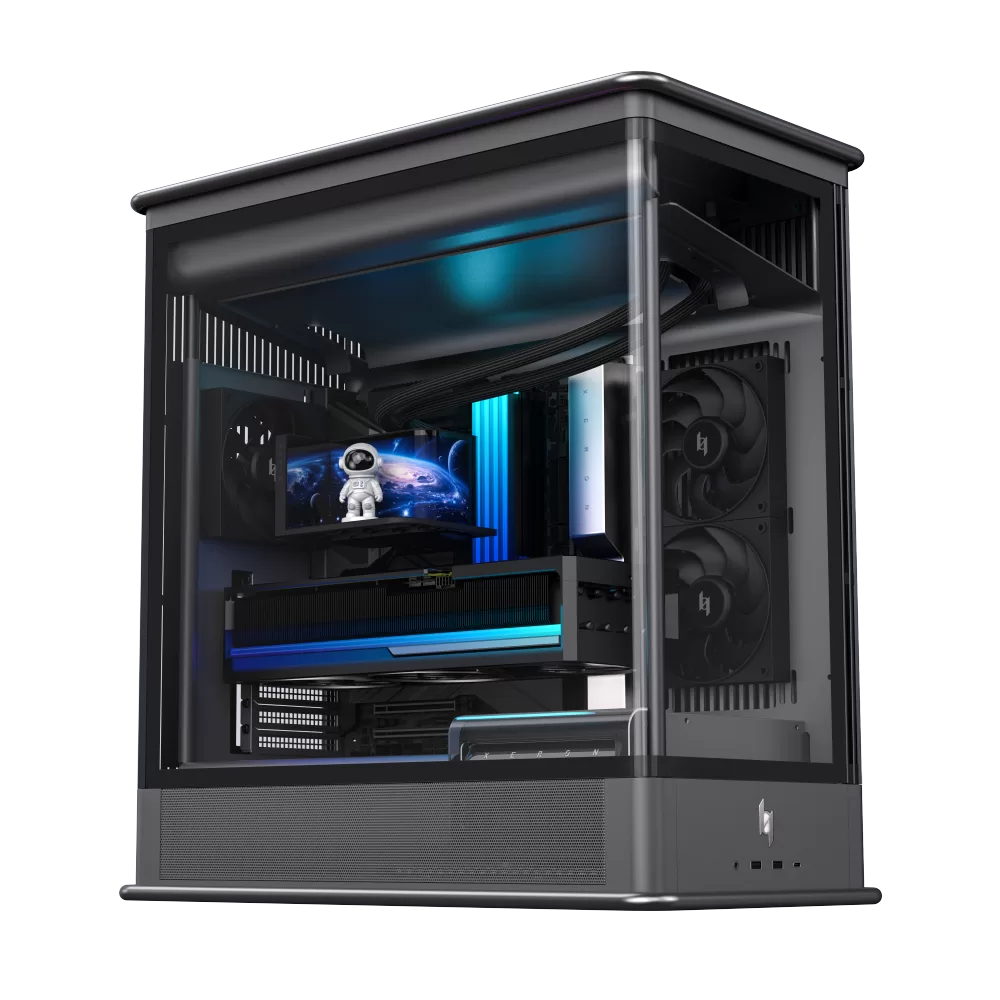 NEX S Lab | Open frame, unlimited vertical GPU clearance | Enthusiasts, showcase builds, custom loops |
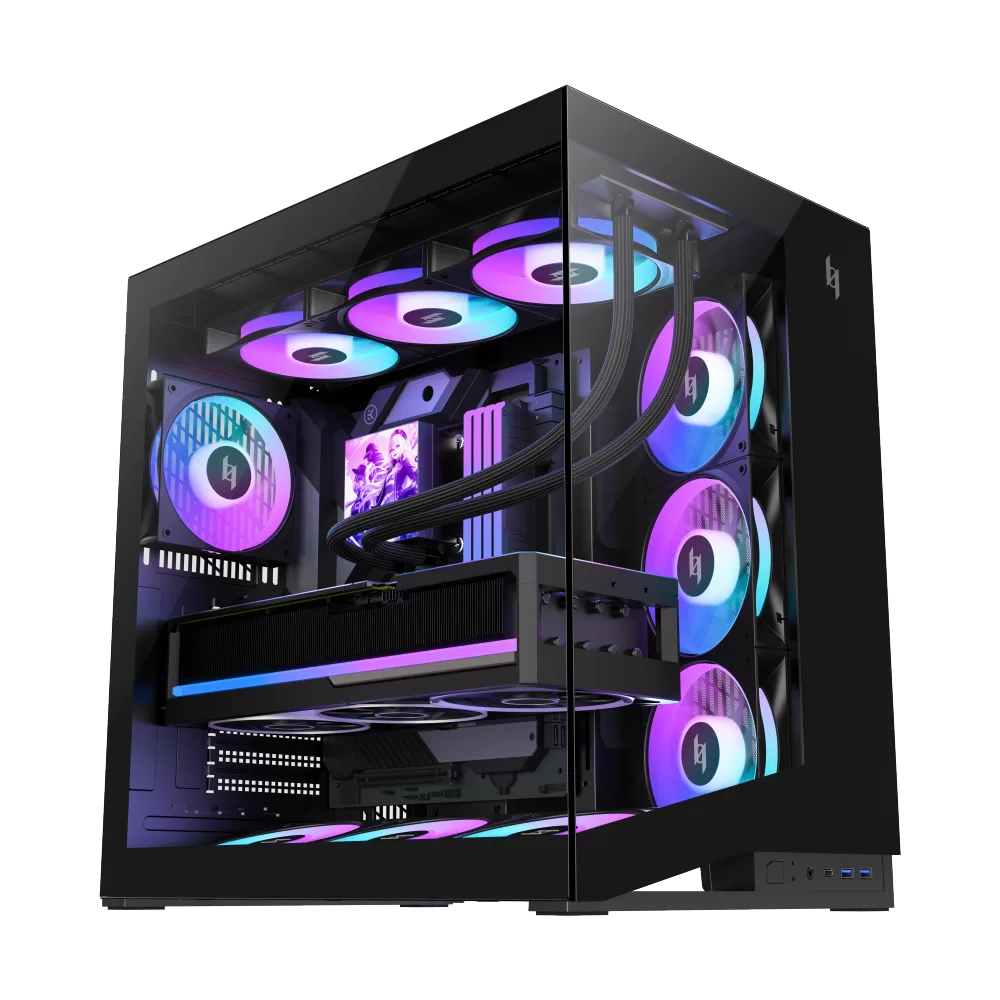 NEX C56 | 425mm GPU clearance, room for vertical bracket | Value builds that want the vertical look |
PC Case with Vertical GPU Mount — FAQ
| Question | Answer |
|---|---|
| Do I need a special riser cable? | Yes. A PCIe 4.0 x16 riser cable (200-300mm) connects the vertical GPU to the motherboard slot. Avoid cheap PCIe 3.0 cables on 40-series cards — they can bottleneck bandwidth. |
| Can any case fit a vertical GPU? | No. The case must have a vertical mount bracket or included GPU holder. Standard horizontal cases do not have the mounting points or depth. |
| Does vertical mounting affect gaming performance? | No, if the riser cable is PCIe 4.0 x16 and well shielded. FPS is identical. Temps may rise slightly if the card starves for air. |
| Will my 3.5-slot card fit vertically? | Check the case spec. Most vertical brackets clear up to 3.5 slots. Thicker cards may hit the glass or block the side fan. |
| Is vertical mount good for AIO liquid GPU? | Yes, if the tube length reaches. A vertical liquid GPU looks stunning through glass, but make sure the tubes route without kinking. |
| Do vertical GPUs sag over time? | No. Vertical mounting supports the card at the bracket, so the weight sits on the case, not the PCIe slot. This actually fixes long-term sag on heavy cards. |
| Can I switch back to horizontal later? | Yes. The bracket is reversible. If thermals or cable routing do not work out, move the card back to the standard slot. |
| Does vertical mount block rear exhaust? | Sometimes. If the vertical bracket sits next to the rear fan, it may block 1-2 fan slots. Check clearance before buying. |
Related Build Guides
| Topic | Read Next |
|---|---|
| Fit a 360mm AIO | PC Case for 360mm Radiator |
| Build a quiet rig | Quiet PC Case: Build a Silent Rig |
| Check PSU size | PSU Calculator |
| Shop vertical GPU cases | Explore XERON Cases |
Ready to show off your flagship card? XERON cases are engineered with vertical GPU clearance, dedicated side intake, and enough depth for 3.5-slot monsters. Browse the XERON lineup →